How to Use the NYC Subways Without Stress
If you’re visiting New York City, the subway is the fastest and cheapest way to get around but, it can feel overwhelming at first. Don’t stress. Once you understand the basics of using the NYC Subways (and how to pay with your phone), it’s actually pretty simple. This guide on how to use the NYC subways breaks it down step by step so you can ride like a local.
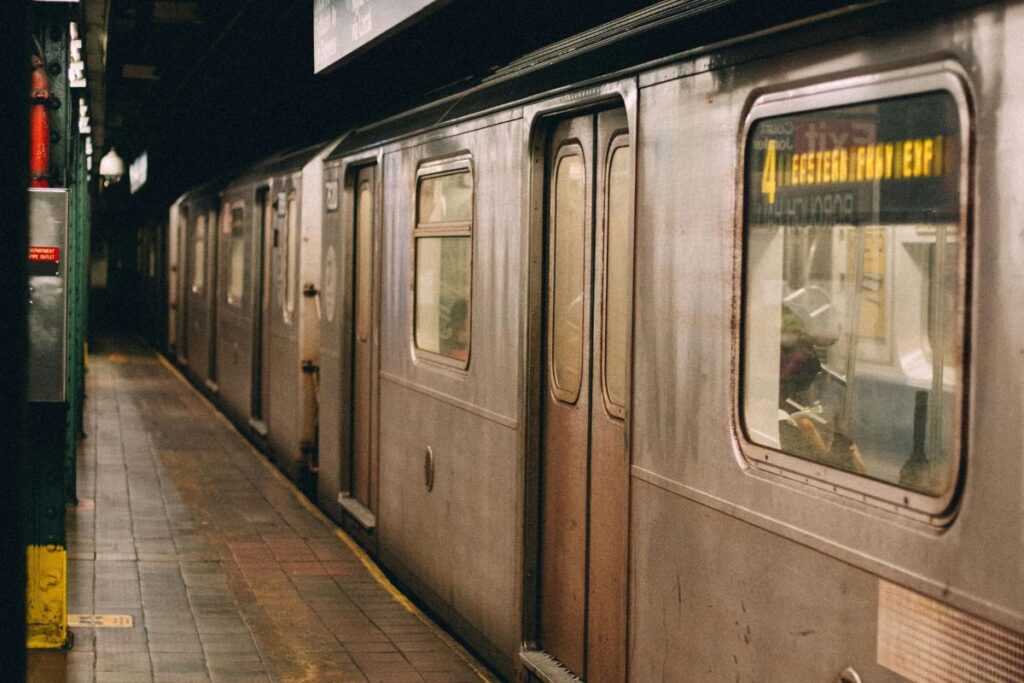
One of the best things about the City is the subway system. If you go to New York and you don’t use the subways, you are missing out on a huge part of living like the locals. Using the subway seems crazy!!! Good news is .. we went from knowing nothing, to feeling confident that the subway could get us anywhere we needed to go.
In this simple guide to using the New York City subways we will break down all you need to know:
- How to pay for the NYC subway with your phone (the new OMNY system)
- How the new OMNY system works (goodbye MetroCards)
- The best apps to navigate the subways
- How to enter and exit the subway stations correctly
- A sample ride so you actually get to understand what to look for
- Quick subway survival checklist
- Additional FAQ about the New York City subways
Paying for the Subway: aka Paying for the NYC Subway with your Phone
The OMNY system is here. The MetroCard that was on all of our tumblr photos is now just a memory. (RIP) On our 2024 trips to New York we used the new OMNY Contactless System and absolutely loved it. Here is a quick breakdown.
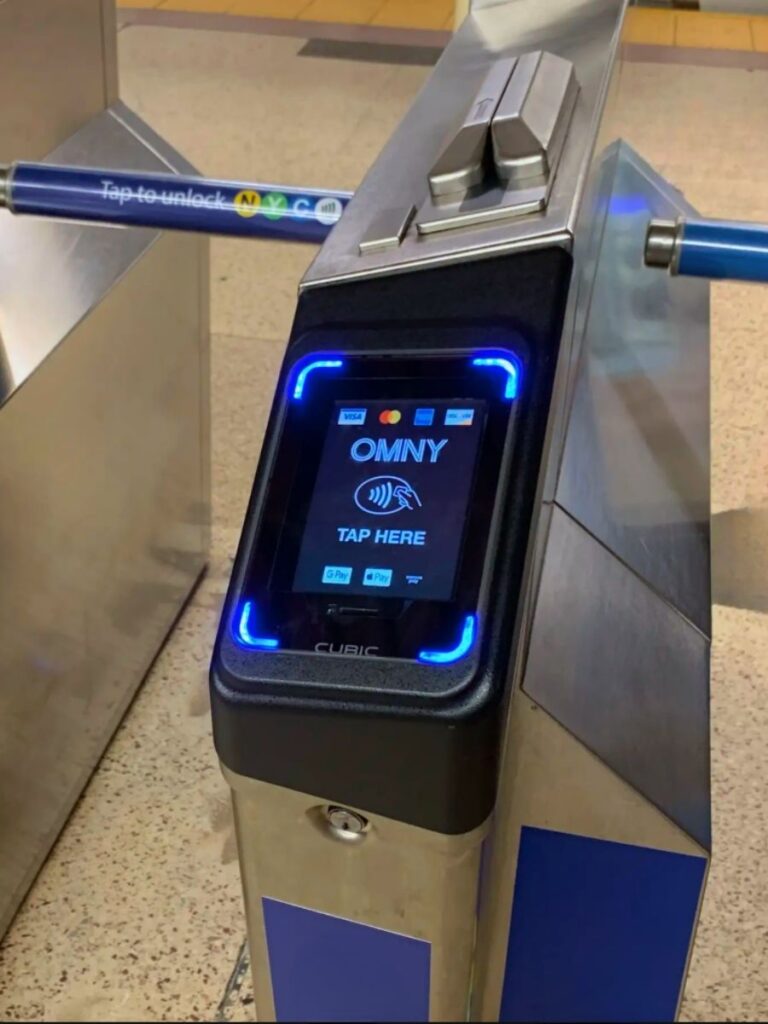
How to Use OMNY (the new contactless system)
- One card/device can pay for up to 4 people (1 tap for you, then 3 more).
- Use your tap-enabled debit/credit card or your phone wallet (Apple Pay or Google Pay).
Just tap and go, no app required.
How to Set Up OMNY on Your iPhone (Apple Pay)
- Open the Wallet app on your iPhone.
- Tap the “+” button to add a card.
- Choose Debit or Credit Card and follow the prompts to scan or enter your card info.
- Verify your card with your bank (you may get a text or app notification).
- You’re all set—your card is now in Apple Pay.
Using it at the subway:
- Double-click the side button (or use Face ID/Touch ID).
- Hold your iPhone near the OMNY reader at the turnstile.
- Wait for the beep + green “GO.”
That’s all it takes—no extra app required. (For the first time ever!!)
How to Set Up OMNY on Your Android (Google Wallet)
- Download or open the Google Wallet app on your phone.
- Tap “Add to Wallet” → Payment Card.
- Enter your debit or credit card info (or scan your card).
- Verify your card with your bank (via text, app, or call).
- Once verified, your card is ready to use.
Using it at the subway:
- Unlock your phone (some devices allow tap without unlocking).
- Hold it near the OMNY reader at the turnstile.
- Wait for the beep + green “GO.”
No extra subway app is needed—just Google Wallet.
Unlimited Rides with OMNY (Fare Capping)

OMNY doesn’t sell unlimited passes upfront. Instead, it uses fare capping. Tap to pay with the same card each time and it ‘adds up’, eventually making all rides ‘free’ after a certain amount. Heres how it works:
- After your 12th paid ride in a Monday–Sunday week, the rest of your rides are free for that week.
- The week always resets at Monday 12:00 a.m. and ends Sunday 11:59 p.m.—it doesn’t go by your first ride.
- Important: If you use the same debit card in your iPhone wallet and the physical card, OMNY will treat them as separate. That means your rides won’t add up together. Stick with one device or one card for the whole week!!
To learn more about OMNY and how it works, CLICK HERE to read it directly from their site.
The Best Apps to Navigate the Subway System
Navigation is where most people get stressed but apps make it easy. It really is as simple as putting in where you want to go on your map, toggle to see public transportation, and follow the directions. We will explain uptown vs. downtown, how to enter and exit, etc. soon.
- Google Maps: Best for real-time directions, service changes, and which exit to take.
- Apple Maps: Just as good as Google Maps.
- MYmta (Official App): Helpful for live service alerts and planned work on lines.
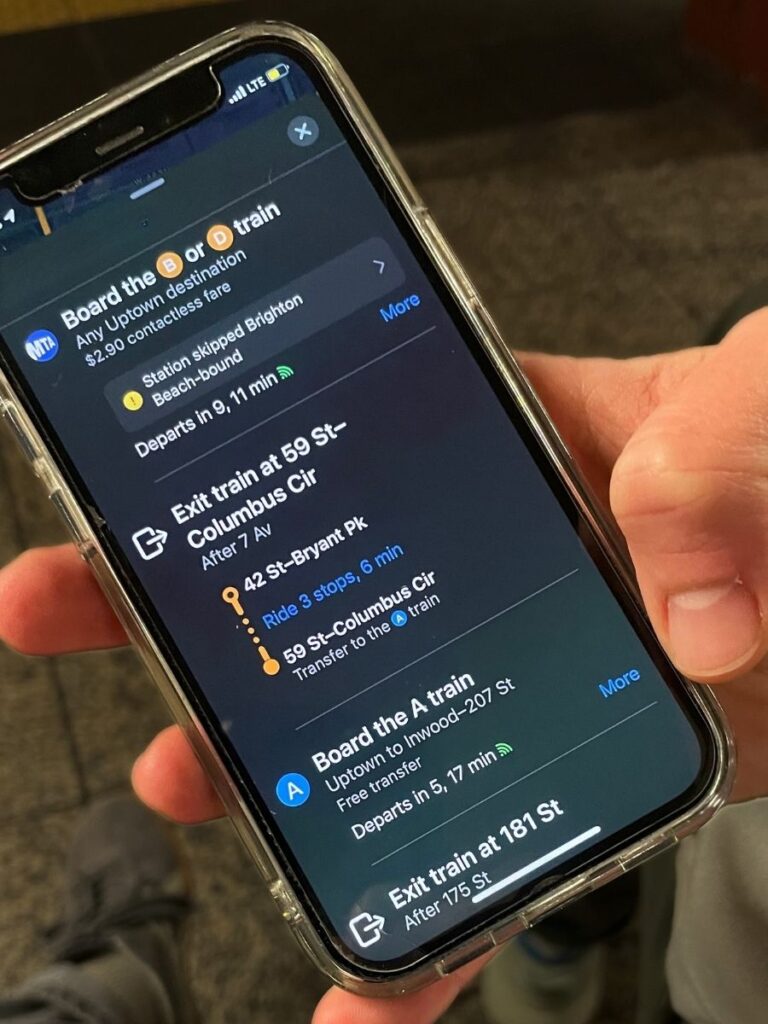
M+O Pro Tip:
Once you have your directions on your phone you can screenshot them to reference throughout the ride!
You typically loose service throughout the ride and using maps the whole day can drain your battery.
Entering and Exiting the Subways
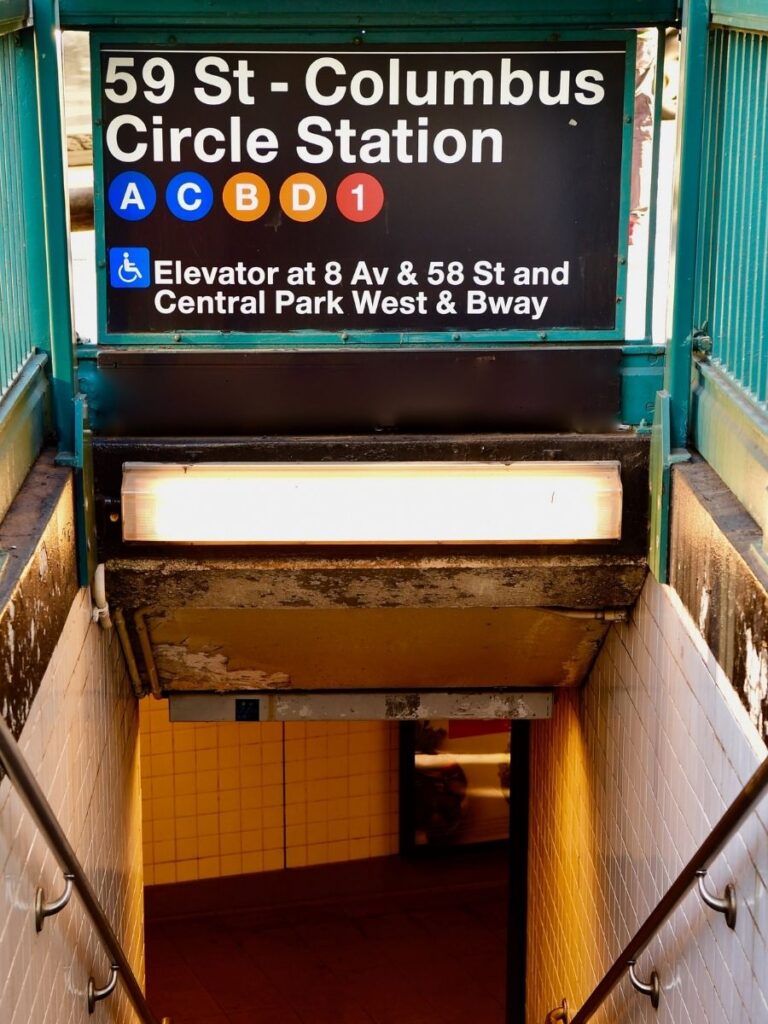
 Entering the Station
- Exiting the Station
Uptown vs. Downtown
When you’re in Manhattan, you’ll almost always need to choose between Uptown and Downtown trains:
- Uptown = heading north, toward Harlem and The Bronx.
- Downtown = heading south, toward the Financial District and Brooklyn.
- Every entrance and platform is labeled. Not every subway entrance leads to both directions. Some only go Uptown or only Downtown.
- At some stations, signs will say “Uptown, Downtown, Underpass” or simply will not specify if it is Uptown or Downtown. If it doesn’t specify (like the photo below) this means you can switch sides underground.
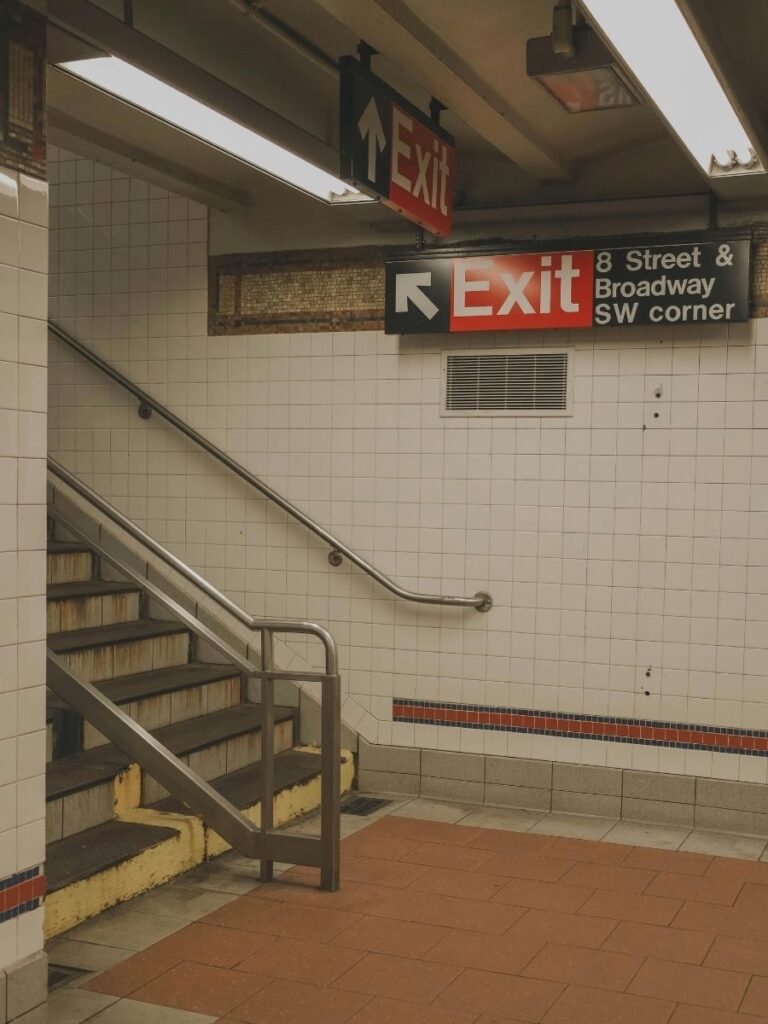
Reading Exit Signs
- Follow the black-and-white Exit signs inside the station. They’ll list the streets and avenues you’ll come out on (example: “Exit 42 St & 8 Ave, NE corner”). Pay most attention to “NE”, “SW”, etc.
- At large stations (like Times Square, Penn Station, or Columbus Circle), exits can spread over several blocks. Choosing the right one can save you a long walk above ground.
- If you’re unsure which exit is best, check your Maps underground—it will often suggest the exit closest to your destination. Or just take an exit and figure it out on the sidewalk!
Example Ride
Let’s say you’re in Lower Manhattan and you need to go to 59th Street–Columbus Circle.
- Open your Maps, type in where you want to go, and confirm your route. It will say to board the Uptown A train and exit at 59th-Columbus Circle. It will also tell you which street corner to enter down into the subway system.
- Find your entrance, tap to pay with your phone, and follow your signs.
- At the station, follow the signs for Uptown A. Ignore just the color (blue also covers C and E)—focus on the letter.
- On the platform, check the display boards to make sure the arriving train is the Uptown A. Don’t assume the first train is yours.
- The map on your phone will tell you when your train will arrive.
- Once on board, watch the stop displays or listen to announcements as the train heads north.
- When you arrive at 59th Street–Columbus Circle, follow the exit signs that match the street nearest your destination.
Your platform sign should look like this:
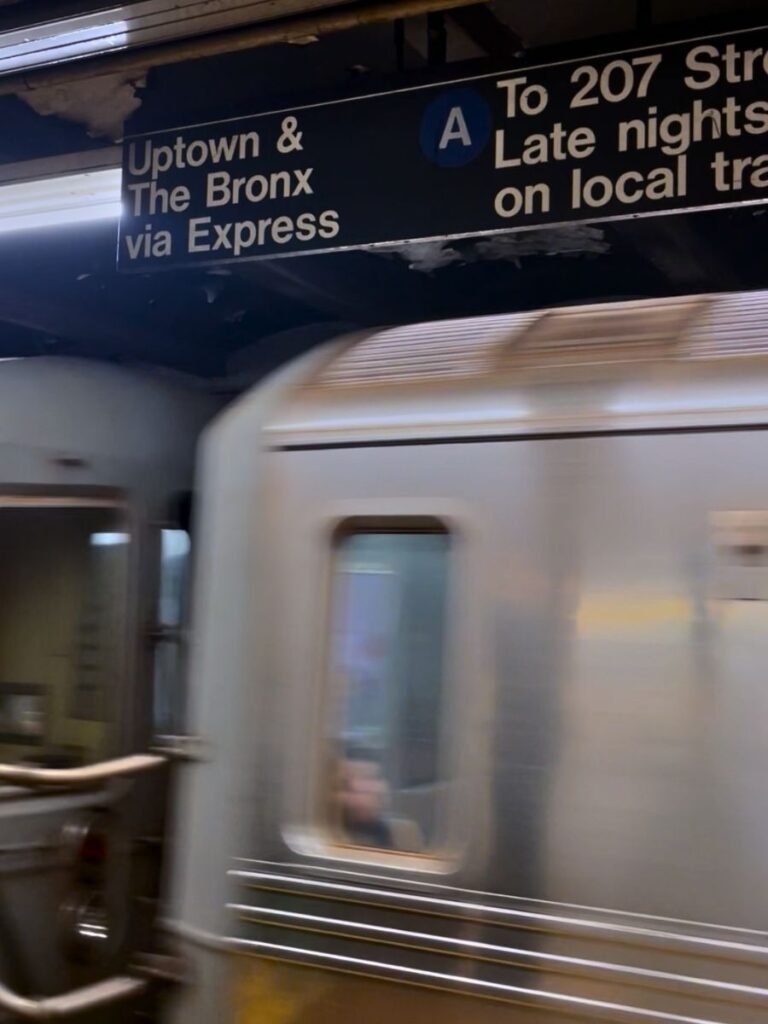
That’s the secret: know your letter/number, know your direction, and follow the signs.
Local vs Express Trains
This might not make much of an impact on your trip or extended stay in New York City, but it’s good to know as much of the basics as you can.
- Local trains stop at every station.
- Express trains skip smaller stops and only stop at major hubs.
Transfers
Transfers are free within the subway system. You can switch trains as many times as you need without paying again, as long as you don’t leave the system (switch to a bus or ferry).
Accessibility
NYC’s subway isn’t the most accessible. If accessibility is important for your trip, check the MTA Accessibility Guide before you head out.
- Only 36 of 147 Manhattan stations have elevators.
Quick Subway Survival Checklist
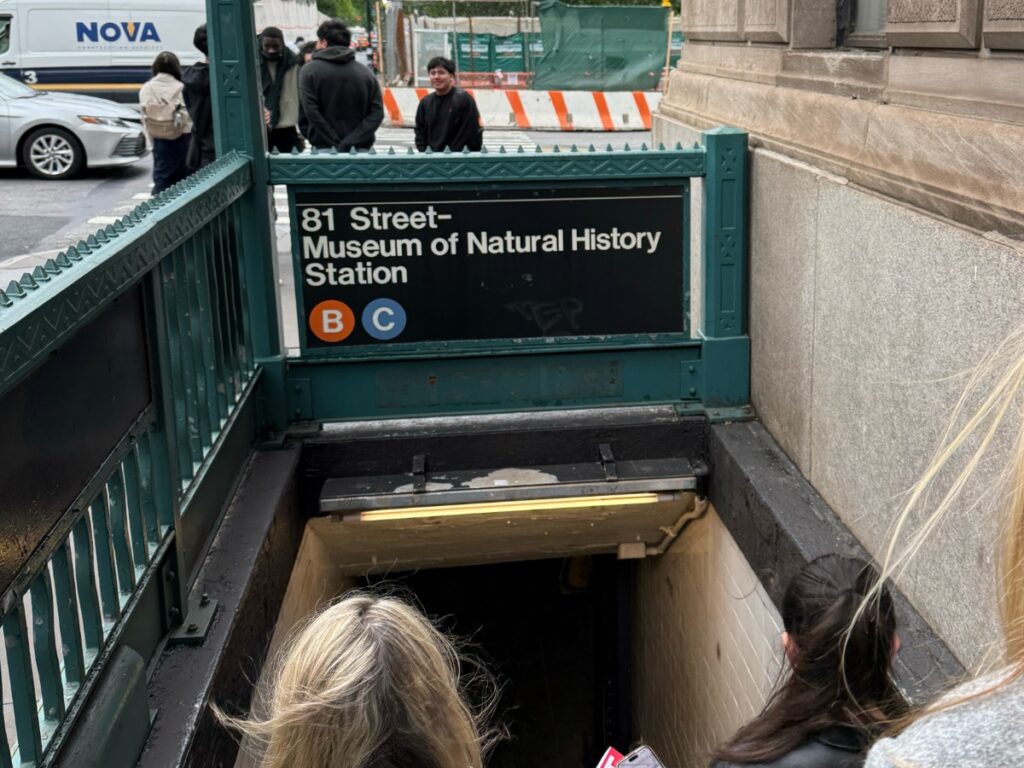
- Tap with OMNY (use one device or one card all week).
- Use Google Maps, Apple Maps, or the official MYmta app.
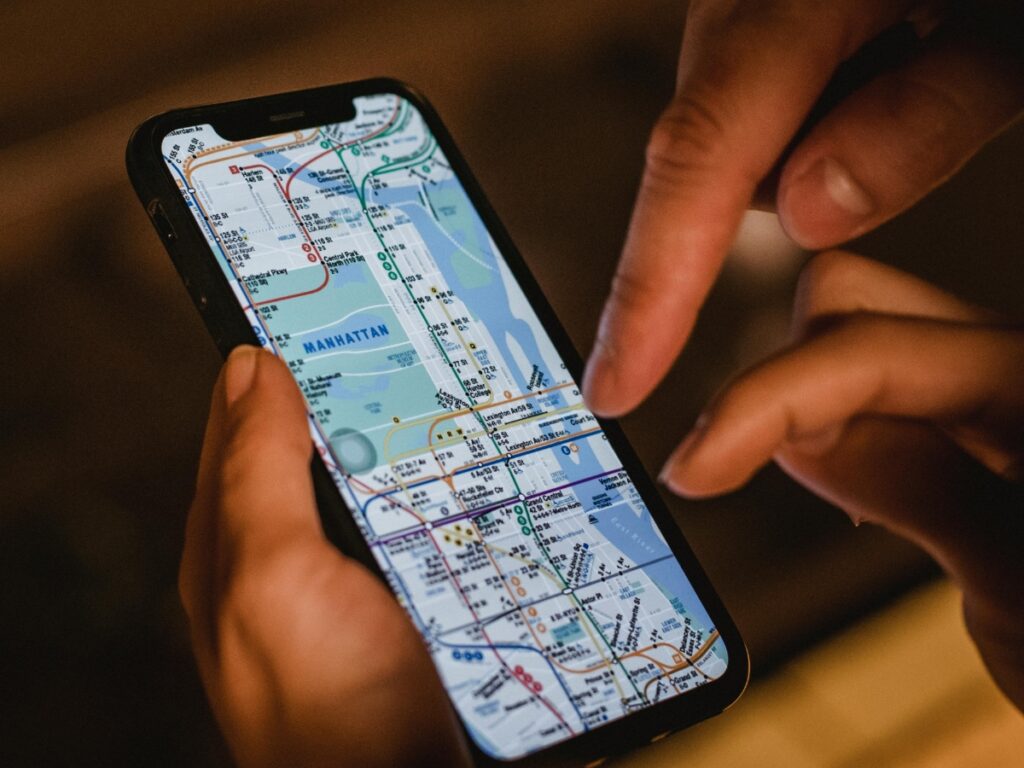
- Download the NYC Subway Map.
- Double-check your train’s letter/number and Uptown/Downtown.
- Stay alert and move with the flow.
- Don’t overthink, it looks chaotic, but you’ll get it quickly.
Before you know it you will feel like you can do anything with the knowledge of how the NYC subways work.
NYC Subway FAQs
Does the NYC subway run 24/7?
Yes. The subway operates 24 hours a day, 7 days a week—though late-night service is less frequent, and trains may run local only.
Can you pay cash for the subway?
Not directly. You can use cash to buy a MetroCard at vending machines, but you can’t pay cash at the turnstile.
How do you pay for the subway with your phone?
Just hold your phone with Apple Pay or Google Pay to the OMNY reader at the turnstile. One tap = one ride.
Do kids ride free on the subway?
Yes. Children under 44 inches tall ride free with a paying adult.
Is OMNY cheaper than MetroCard?
Single rides cost the same ($2.90). OMNY has fare capping (free rides after 12 in a week), while MetroCard still offers 7- and 30-day unlimited passes. Which is better depends on your trip length.
What’s the difference between local and express trains?
Local trains stop at every station. Express trains skip smaller stops and only stop at major hubs. Always check the signs and boards before getting on.
How do I know which subway exit to take?
Follow the black-and-white Exit signs inside the station—they list the streets and avenues you’ll come out on. Use Google Maps underground if you’re unsure.
Is the subway safe?
Yes, but like any big city system, stay aware. Avoid empty cars, keep belongings close, and if you feel uncomfortable, switch cars at the next stop.
Checkout Our Other NYC Guides
🍎 First Time in NYC: Tips for First Timers & Everything We Wish We Knew
📸 NYC Neighborhood Guide: What To Skip And What to See
🏙️ 50+ Free Things to Do in New York City
🛍️ Our Favorite East Village Spots: Where to Eat, Shop + Wander
🌳 Best Parks in NYC to Soak in the City
😻 How to Stay in New York City for Free Using Trusted Housesitters